 The Good Sign Company
Weekly message workflow
Is a printed insert sign system worth it for weekly updates?
A printed-insert system is usually worth considering when the message changes on a predictable weekly rhythm, the paper size stays consistent, and someone can own printing and replacement. It is less useful when edits happen throughout the day, every display needs a different size, or printing and trimming are harder than rewriting a board.
Disclosure: As an Amazon Associate, we may earn from qualifying purchases and approved partner referrals.
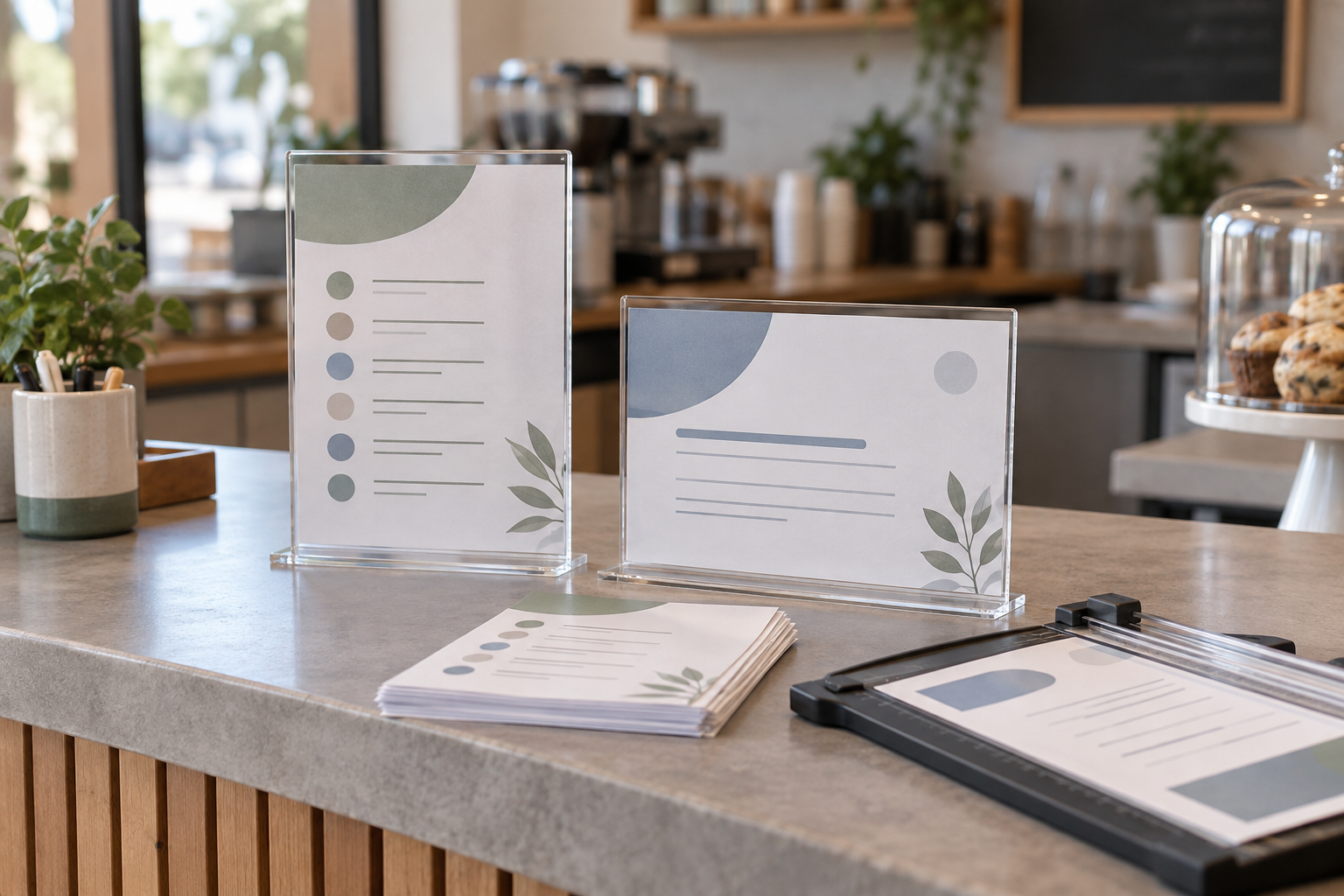
Start with the display location and paper size
Measure the usable counter or wall area, map the viewing direction, and choose a standard insert size before comparing holders. Check each listing for the exact visible area, orientation, loading edge, base or mounting dimensions, and care instructions.
Quick verdict
- More likely worth it: the same displays receive planned weekly replacements, use one or two standard sheet sizes, and can be updated in one short round.
- Less likely worth it: information changes several times a day or requires handwriting at the point of use.
- Best first test: run four weekly updates using an existing frame or low-cost holder before standardizing the whole location.
- Do not buy yet: if you have not measured the complete holder footprint and confirmed how the insert loads in the intended position.
The six-part worth-it test
| Question | The system has a case when… | Choose another route when… |
|---|---|---|
| Is the cadence predictable? | Updates happen on a known weekly schedule. | Changes are urgent, irregular, or happen repeatedly each day. |
| Are sizes standardized? | Templates and holders can share a small set of measured paper sizes. | Every message needs a different shape or orientation. |
| Is printing convenient? | A printer, paper stock, trimming method, and backup person are available. | Each update depends on an off-site print errand. |
| Does loading fit the location? | The insert edge remains reachable without moving equipment. | A shelf, wall, or register blocks the loading path. |
| Does it read in place? | The printed type, contrast, orientation, and holder angle work from the real approach. | Glare or distance makes the sheet hard to read. |
| Who owns the routine? | One role prepares, checks, installs, and archives each update. | No one can reliably remove expired messages. |
Count the whole weekly workflow
The holder is the visible part, but the work begins with a template. List every recurring sign, its location, orientation, finished paper size, update day, source information, and owner. Then time one realistic cycle: edit, proof, print, trim if needed, walk the route, replace inserts, and store or recycle the old sheets.
A weekly cadence is not automatically efficient. If six holders use four sizes and three loading methods, the system can create more small decisions than it removes. Standardize only where the message and viewing conditions genuinely match.
Measure insert fit, not just the paper label
A listing that names a familiar paper size may still have a smaller visible area because edges sit inside the holder. Confirm the exact insert dimensions and visible window from current product information. Print a border around a sample sheet and place it in the holder to see what disappears near the edges.
Also check portrait versus landscape orientation, complete base depth, and the space needed to slide the paper in and out. For a one-way counter, the choice between holder shapes may be simpler than adding a second face. If two approaches matter, first decide whether a double-sided counter sign earns its footprint.
Design the message for viewing distance
Use a short headline, clear hierarchy, strong contrast, and enough blank space that the sheet does not become a miniature flyer. Print at actual size and stand where the reader will first encounter it. Window light, ceiling fixtures, and the holder angle can change legibility, so test in the intended position at the normal time of day.
If glare is the main failure, compare low-glare reception sign formats rather than assuming every clear holder will behave the same way.
Printed inserts versus nearby alternatives
- Dry-erase sign: useful when short messages change often and a consistent handwriting routine is acceptable. Compare dry-erase schedule signs when same-day edits matter.
- Clipboard display: keeps the page easy to remove and can suit forms or sheets that need writing access. The clipboard versus acrylic holder guide covers that narrower format decision.
- Fixed sign: sensible when wording is stable and repeated printing provides no useful flexibility.
- Digital display: may fit coordinated frequent changes, but introduces power, device, software, placement, and upkeep considerations.
Run a four-update pilot
- Choose one high-value message and one measured location.
- Create a locked template at the exact finished size.
- Assign the information source, proofreader, printer, and replacement owner.
- Complete four scheduled changes and note printing errors, trimming time, blocked loading, glare, and expired inserts.
- Standardize more locations only if the pilot stays readable and reliably current.
Who should skip it?
- Skip it when the message is so stable that a fixed sign does the job with less upkeep.
- Use a writable option when small corrections happen more often than the print cycle.
- Delay a rollout when sizes and orientations have not been inventoried.
- Skip a holder whose loading edge cannot be reached in the final location.
- Do not treat a tidy holder as a substitute for readable copy, correct information, or an update owner.
The bottom line
A printed-insert sign system can earn its place when weekly changes are predictable, paper sizes are controlled, printing is close at hand, and one person owns the route. Test one location through four real updates, measure the visible area and complete footprint, and keep a writable or fixed-sign alternative available when the cadence does not fit.