 The Good Sign Company
Workplace room-status planning
Choose the room-status workflow before choosing the sign.
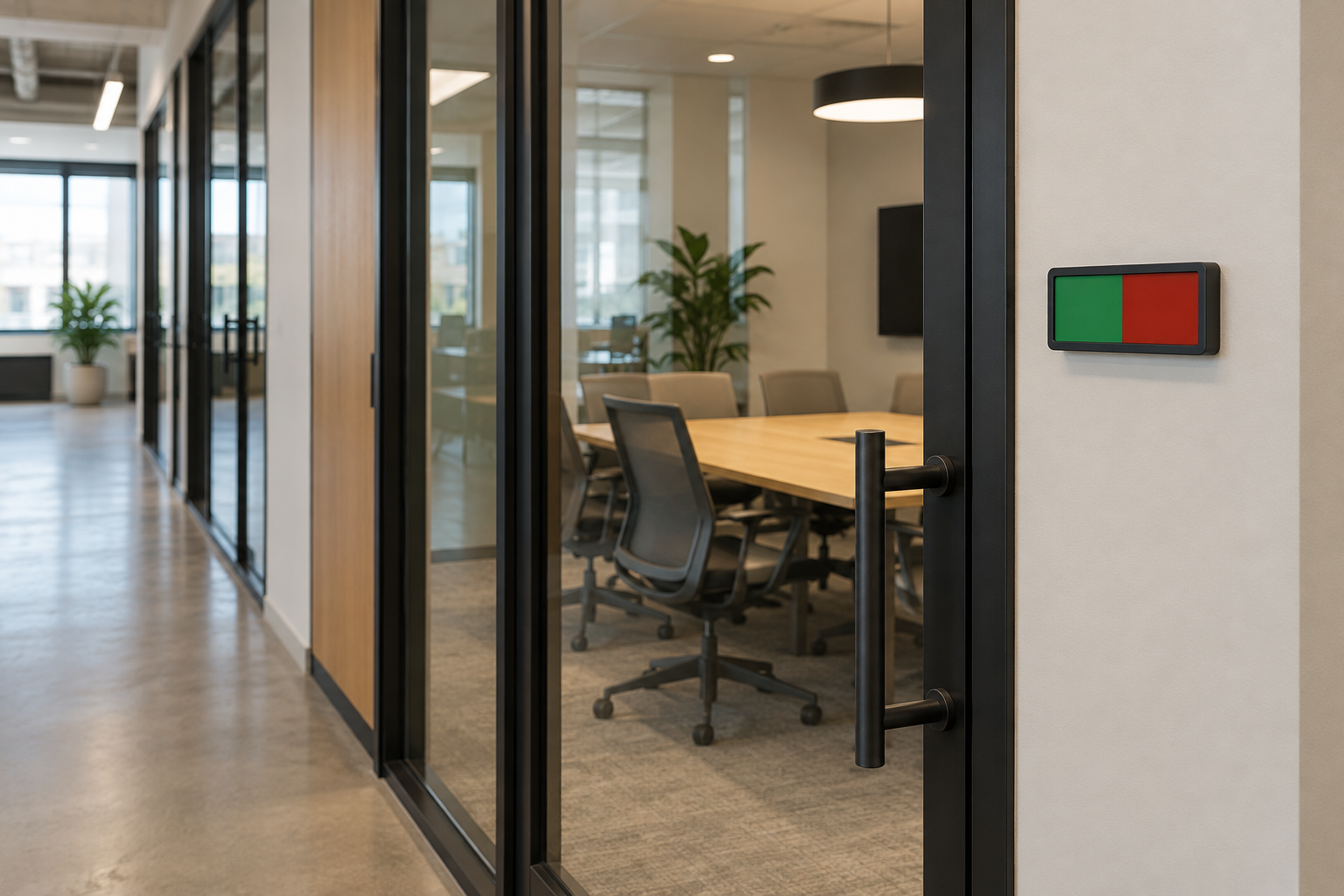
A conference-room availability sign works only when colleagues can see the current state before they reach the handle—and when someone reliably changes it. Define the states, update owner, approach path, and mounting limits first. Then choose the simplest format that supports that routine.
Quick answer
Use two states unless the workplace can maintain more.
For many shared rooms, a manual two-state slider is the clearest starting point: one person changes it, one glance communicates it, and no schedule integration is implied. Add a third state such as “starting soon” or “cleaning” only when staff can define exactly who sets and clears it. A sign should support the booking process, not pretend to replace it.
Write the status vocabulary first
List every state people currently need, then remove any state that lacks an owner or a clear ending condition. Keep the visible wording short enough to recognize while walking toward the room.
| Operational need | Format to investigate | Main tradeoff |
|---|---|---|
| Only available or in use | Two-position manual slider | Fast to read, but someone must move it at the start and end of each meeting. |
| Status plus a changeable note | Slider with a separate writable or insert area | More context, but more surface, supplies, and clearing work. |
| Temporary room role or changing instructions | Replaceable printed insert | Consistent appearance, but updates depend on file ownership and printing access. |
| Many changing states with no reliable manual owner | Pause the sign purchase and fix the workflow first | A more complex sign will not solve unclear responsibility. |
Do not rely on color alone. Pair any color cue with words, symbols, or an unmistakable physical position, then test it with the people who use the space. This page does not establish accessibility compliance.
Map both the approach and the handoff
- Stand where the decision happens. Mark where a colleague first needs to know whether to continue, wait, or choose another room.
- Photograph each approach. A sign visible from one hallway direction may disappear behind a door frame from the other.
- Measure the available surface. Record width, height, trim, handle swing, glass edges, and the clearance needed to operate the sign.
- Name the updater. Decide whether the meeting organizer, room host, receptionist, or facilities team changes the state.
- Define reset timing. Write what happens when a meeting ends early, runs late, or the room is empty but still reserved.
For a wider workplace system, connect this page to the interior wayfinding hierarchy guide. For the full stakeholder and site-information handoff, use the small-business sign planning pillar.
Worked observation exercise (hypothetical)
This example demonstrates a planning method; it is not a measured project or product specification.
A workplace has three conference rooms. Colleagues approach Room B from two directions. The operations lead records the first useful viewing points as approximately 14 feet from the door in one direction and 8 feet in the other. A paper mockup placed beside the handle is visible at 8 feet but hidden by wall trim from the 14-foot approach.
The team does not conclude that a larger sign is automatically best. It moves the mockup to the adjacent wall, repeats the walk from both directions, photographs the views, and records a mounting zone for the property stakeholder to review. The outcome is a better brief: two visible states, two approach photos, a verified surface zone, and the meeting organizer as the update owner.
Compare candidates with one worksheet
- Exact visible states and whether meaning remains clear without color.
- Overall dimensions, readable area, control size, and clearance needed to change the state.
- Specified mounting method, compatible surfaces, removal guidance, and required preparation.
- Visibility from each measured approach and whether door position blocks the sign.
- Who updates it, when it resets, and who checks missed or contradictory states.
- Cleaning instructions, replaceable parts or inserts, and the person who stores supplies.
Use maker instructions for the exact item and the property stakeholder’s requirements for the exact surface. Do not infer glass, paint, adhesive, hardware, fire, accessibility, or installation suitability from a category photo.
Who should skip this category
- Skip a manual slider when nobody reliably changes it; repair the ownership process first.
- Skip extra states when staff cannot explain when each one starts and ends.
- Skip door-mounted placement when the sign becomes hidden as the door moves or the mounting method is not approved for that surface.
- Use a temporary paper mockup first when approach direction, size, or wording is still unsettled.
- Keep booking details elsewhere when the sign would require frequent names, times, or schedule edits.
- Get project-specific review for property, privacy, accessibility, emergency, security, electrical, or code questions; this guide does not resolve them.
Browse only after the workflow is defined
Use the worksheet above to compare generic manual room-status signs by states, dimensions, operating clearance, mounting instructions, and surface guidance. The category route below is not a ranked list, and we have not tested the products.
Evidence and editorial boundary
This category guide does not identify a named winner or claim current product dimensions, material performance, price, rating, availability, surface compatibility, or tested readability. Exact product facts must come from the current maker listing and instructions for the item being considered. The status worksheet, comparison framework, skip criteria, and hypothetical observation exercise are original decision tools from The Good Sign Company editorial desk.
AI-assisted tools helped prepare and reconcile this page. The editorial desk inspected the generated hero, checked the affiliate route and local page integration, and remains responsible for unsupported-claim removal; see our About and editorial process.